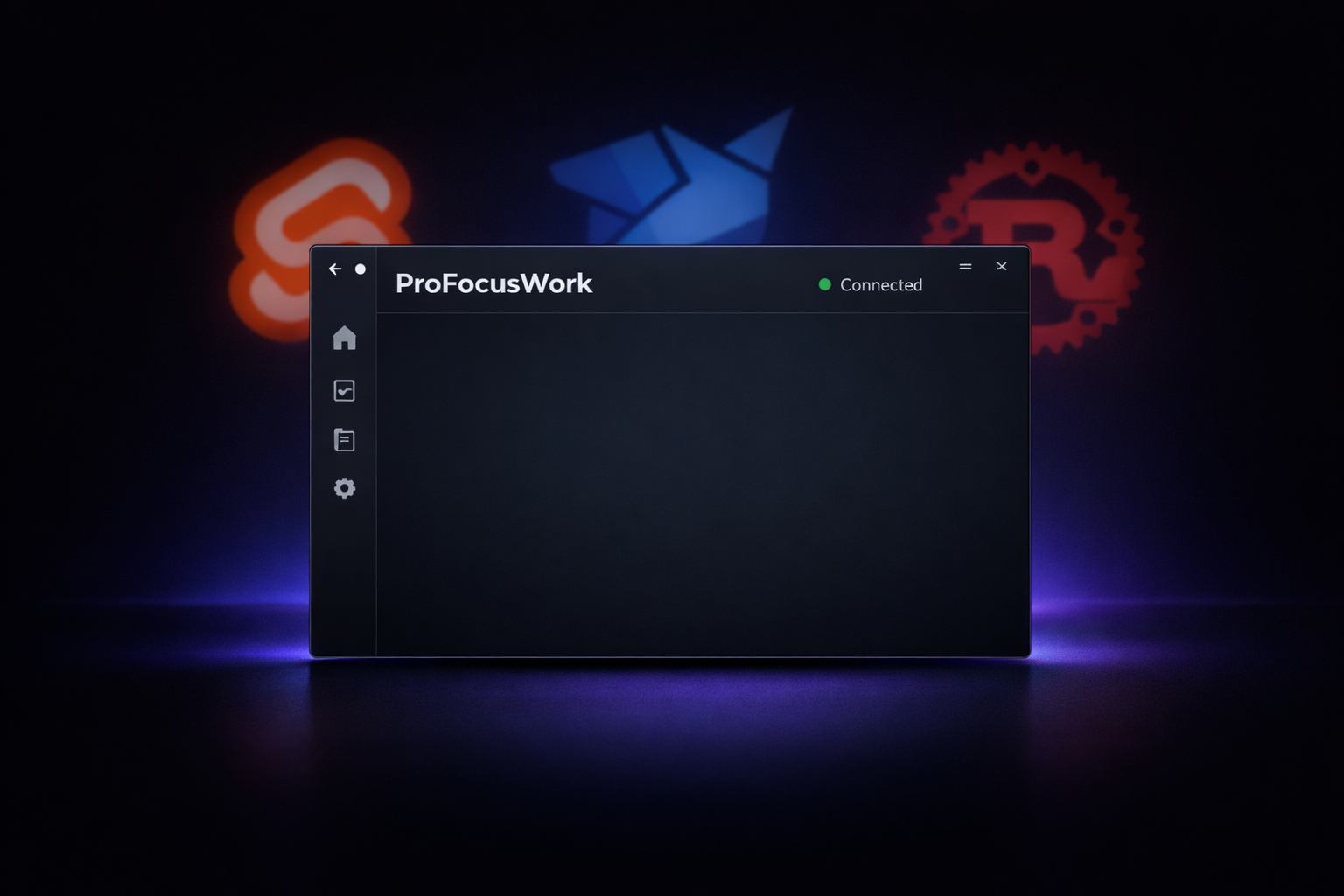
Part 3 covered the multi-AI review workflow. Today I built the actual desktop app - and learned that even with two AI reviewers, a human eye catches different things.
Phase 3: Desktop App Shell
The desktop app is the core of ProFocusWork. Menu bar is the primary interface (that’s Phase 11), but before I can build the menu bar, I need the app shell.
The stack:
- Tauri 2.x - Native desktop wrapper, Rust backend
- Svelte 5 - Frontend with runes mode ($state, $props, $derived)
- Vite 6 - Build tool
- Convex - Real-time backend (from Phase 2)
The implementation agent handled the scaffolding. Dark theme with CSS custom properties, navigation sidebar, header component, placeholder pages for each route. Standard stuff.
What wasn’t standard: getting the Convex connection to work without auth.
The Auth Problem
Phase 6 adds Auth0. Right now, we’re in “no auth” mode - I just want to verify the app connects to Convex before implementing authentication.
The agent’s first attempt used api.projects.list to test the connection. Made sense - subscribe to projects, if we get data, we’re connected.
Problem: projects.list requires authentication. No auth means no data means connection timeout.
The fix was obvious in hindsight: create a public health check query.
// packages/convex/convex/health.ts
export const ping = query({
  args: {},
  handler: async () => {
    return { ok: true, timestamp: Date.now() };
  },
});
No requireAuth(), just a simple ping. Now the app can verify Convex is running without needing a user session.
Three Layers of Review
Here’s where it gets interesting. The implementation went through three review layers:
| Layer | What It Caught |
|---|---|
| Distinguished Engineer (Claude) | CSP misconfiguration, type safety issues, missing cleanup |
| Codex CLI (GPT 5.2 xhigh) | Auth assumption bug, fake error boundary, production CSP leak |
| Final Verification | Working build, passing types and lint |
The Distinguished Engineer caught 10 issues. Good stuff - CSP was disabled, Convex queries used string casting instead of typed imports, Google Fonts CDN broke offline-first.
But when I ran the approved code through Codex, it found more:
The Auth Assumption Bug
The connection test used api.projects.list, which requires auth. In a “no auth” phase, this always fails. The Distinguished Engineer didn’t catch this because it understood the code was correct - it just didn’t understand the project phase constraints deeply enough.
The Fake Error Boundary
The code had what looked like an error boundary:
{#if hasError}
  <div class="error-fallback">...</div>
{:else}
  <App />
{/if}
This isn’t a real error boundary. It only catches errors inside the onMount try/catch. Render-time errors? Child component errors? Uncaught. Svelte 5 has <svelte:boundary> for this - the agent should have used it.
Production CSP Leak
The production CSP included http://127.0.0.1:3210. That’s the local Convex dev server. Fine for development, but in production? That’s a security surface that shouldn’t exist.
The Fix Cycle (Again)
Same pattern as Part 3. Find issues, fix them, verify the fixes.
Me: Here are findings from my review...
Claude: [fixes issues]
Me: Run typecheck
Claude: Error - 'message' doesn't exist on type '{}'
Me: The error parameter in svelte:boundary needs typing
Claude: [fixes with `error: unknown`]
Me: Run typecheck
Claude: 0 errors
The snippet parameter in <svelte:boundary> is typed as unknown by default. Had to use error instanceof Error ? error.message : "Unknown error" to handle it properly.
What Actually Got Built
After all the review cycles, here’s the final desktop app:
Security:
- Strict CSP for production (only
*.convex.cloudin connect-src) - Relaxed
devCspfor Vite HMR during development - Single-instance plugin to prevent duplicate windows
Offline-First:
- Fonts bundled via
@fontsource/inter(no Google CDN) - Convex handles offline sync by design
Type Safety:
- Convex queries use generated
apiobject, not string casting - Error boundary properly types the error parameter
- Environment-driven Convex URL that fails fast in production if missing
Code Quality:
- Real
<svelte:boundary>error boundary - Proper timeout cleanup in
onMount - Mount guard with clear error message
The Layered Review Insight
Part 3 established AI-reviewing-AI (Claude + Codex). Today proved why that second layer matters.
| Review Type | Catches |
|---|---|
| Implementation Agent | Nothing - it wrote the code |
| Distinguished Engineer (Claude) | Technical correctness, pattern adherence |
| Codex CLI (xhigh) | Project phase context, subtle assumptions, edge cases |
The Distinguished Engineer approved code that used an auth-required query in a no-auth phase. Technically correct code, wrong for the current state of the project. Codex caught it.
The multi-AI workflow from Part 3 isn’t just useful - it’s essential. Claude’s DE agent checks against patterns. Codex thinks adversarially about what could go wrong. Different models, different blind spots, better coverage.
Current State
Phase 1: Monorepo Foundation - completed
Phase 2: Convex Backend - completed
Phase 3: Desktop App Shell - completed

Commits:
- d78e0fd feat(desktop): add desktop app shell with Tauri 2 + Svelte 5
- 76010e4 fix(desktop): address review findings for Phase 3

Blocker:
- Rust not installed - need rustup before Tauri backend compiles

Next:
- Install Rust via rustup.rs
- Run `pnpm tauri:dev` to test full app
- Start Phase 4: Web App Shell with SvelteKit
The Vite frontend builds and runs at localhost:1420. Tauri backend needs Rust installed - that’s tomorrow’s first task.
What I Learned
Auth assumptions hide in innocent code. A query that “just lists projects” assumes a user exists. In a no-auth phase, that’s a bug.
Svelte 5 has real error boundaries. Use <svelte:boundary> with {#snippet failed(error, reset)}. Don’t fake it with conditional rendering.
CSP needs phase-awareness. Development endpoints shouldn’t leak into production CSP. Split them properly.
Multi-AI review is essential, not optional. Claude’s Distinguished Engineer checks patterns. Codex thinks adversarially. Together they catch what neither would alone.
Part 4 of the ProFocusWork build series. Part 5 will cover Phase 4: building the SvelteKit web dashboard.